Create a widget
Get your first widget running in under 5 minutes.
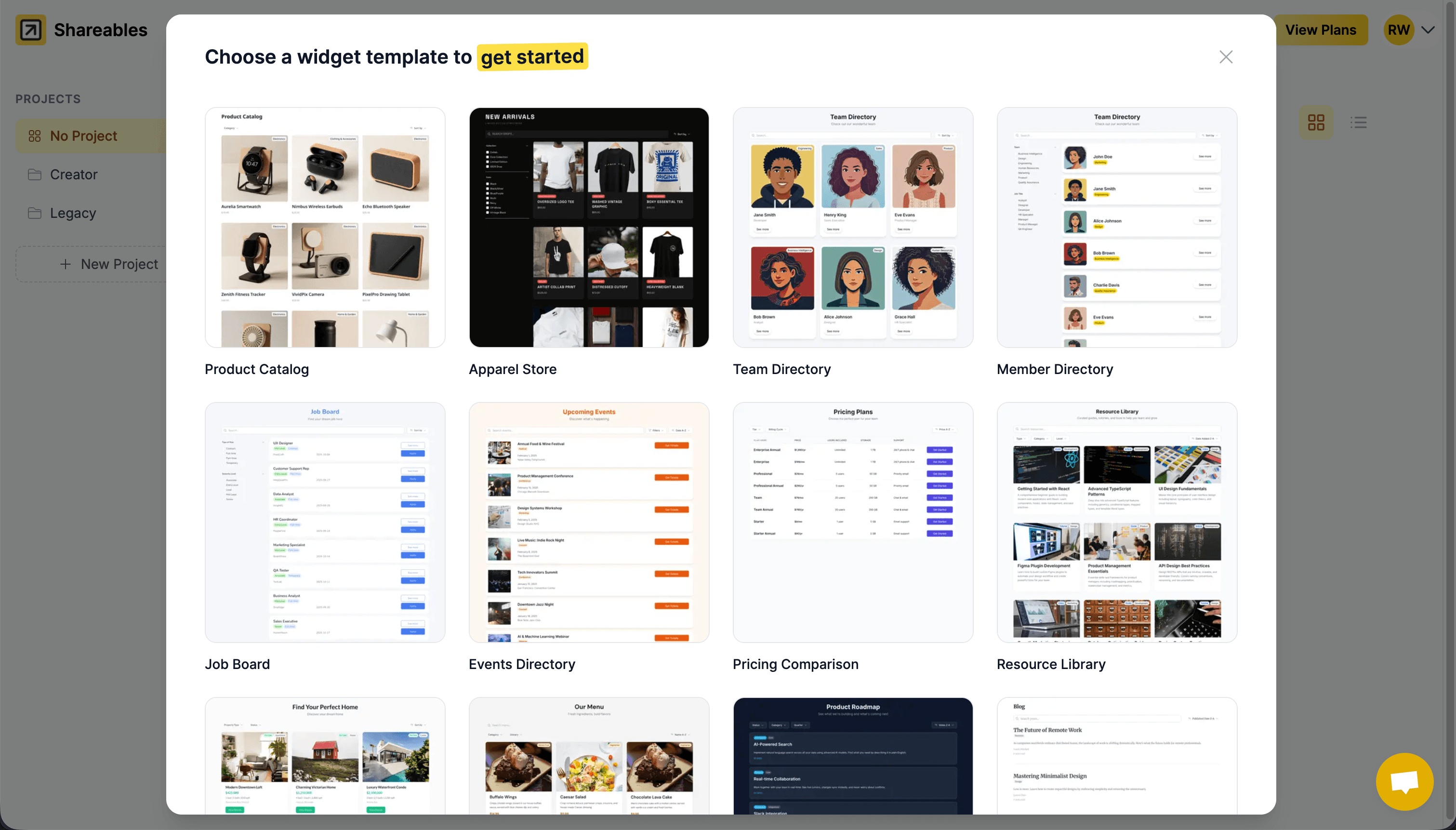
Choose a widget template
- From your dashboard, click New Widget
- Browse available templates (we’re adding templates all the time, if you’re looking for something in particular reach out!)
- Select a template that fits your needs
You can preview templates before you select them.
Connect your data source
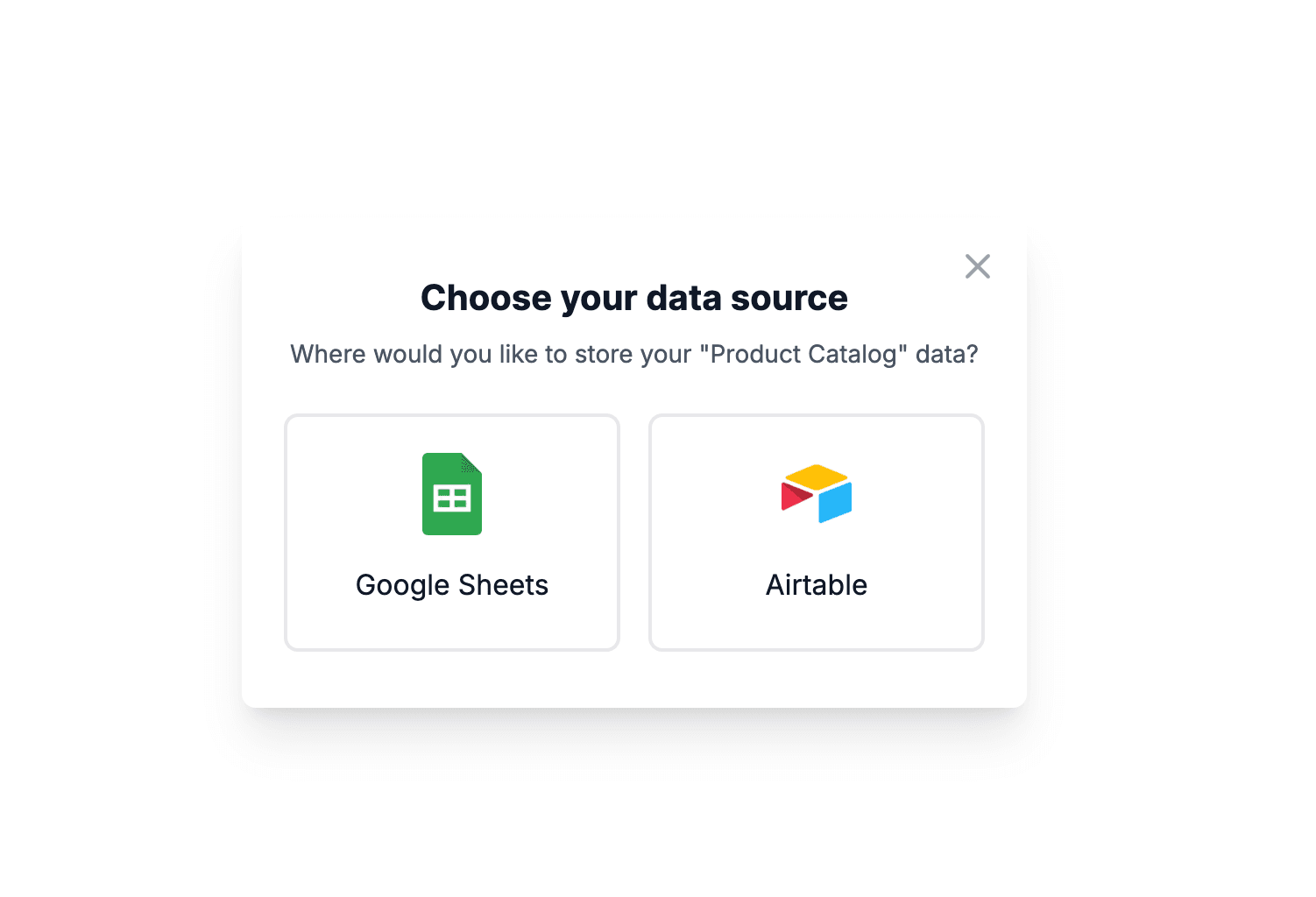
- Choose your data source — we support Google Sheets, Airtable, Notion, Excel, Teable, Stackby, SmartSuite, NocodeBackend, AITable, Trello, and more
- Select your spreadsheet, base, or database and connect
- Your widget will start getting setup
When we setup your widget, we will create a new table with placeholder data so you can get started quicker. You can change the data source once you’ve created your widget at anytime.
Your widget has been created!
Congratulations! Your widget is now ready. You can preview it and start customising it to match your brand.
What’s next?
- Customising your widget — Layouts, colours, fields, and more
- Data Sources — Learn more about connecting your data source
- Layouts — Choose between cards, list, table, and kanban views
- Installation — Embed your widget on any website
Last updated on